Check out how to use vocafox!
Its easy and won't take long 🤞
You like vibrations? ( ͡° ͜ʖ ͡°)
Enable haptic feedback and check out other features in settings → Book to improve you learning experience.
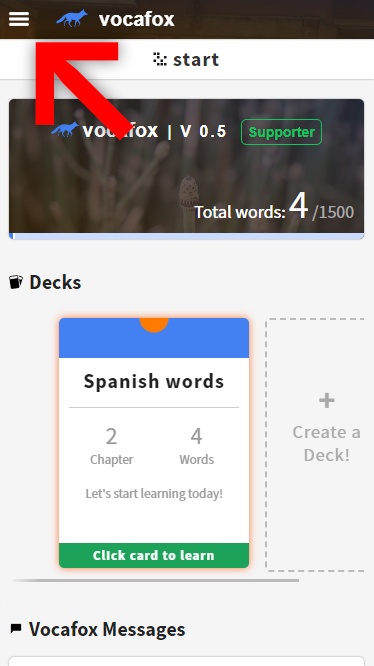
Click on the navigation icon
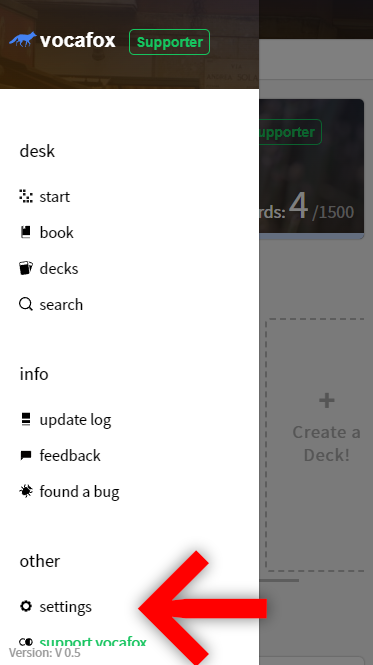
Select settings
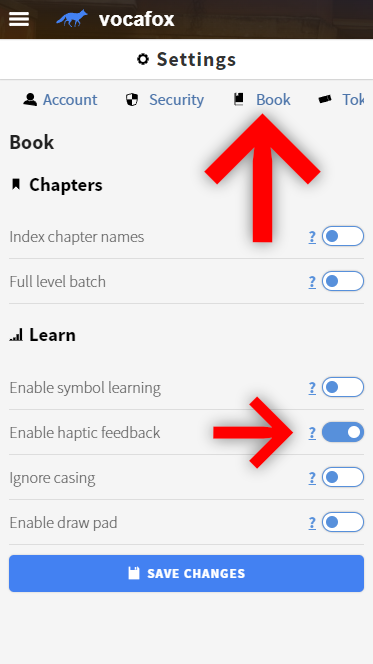
Open the book tab and
enable haptic feedback
But wait, there is MORE!
vocafox gets more and more features with almost every update. Make sure to check the update log regularly to stay informed and tweak vocafox the way it works best for you!